Image Alchemy
100% Secure, Client-Side Image Processing
Drag & Drop images here
or click to browse from your device
Selected Files (0)
Upload an image to unlock processing options.
About Image AlChemy:
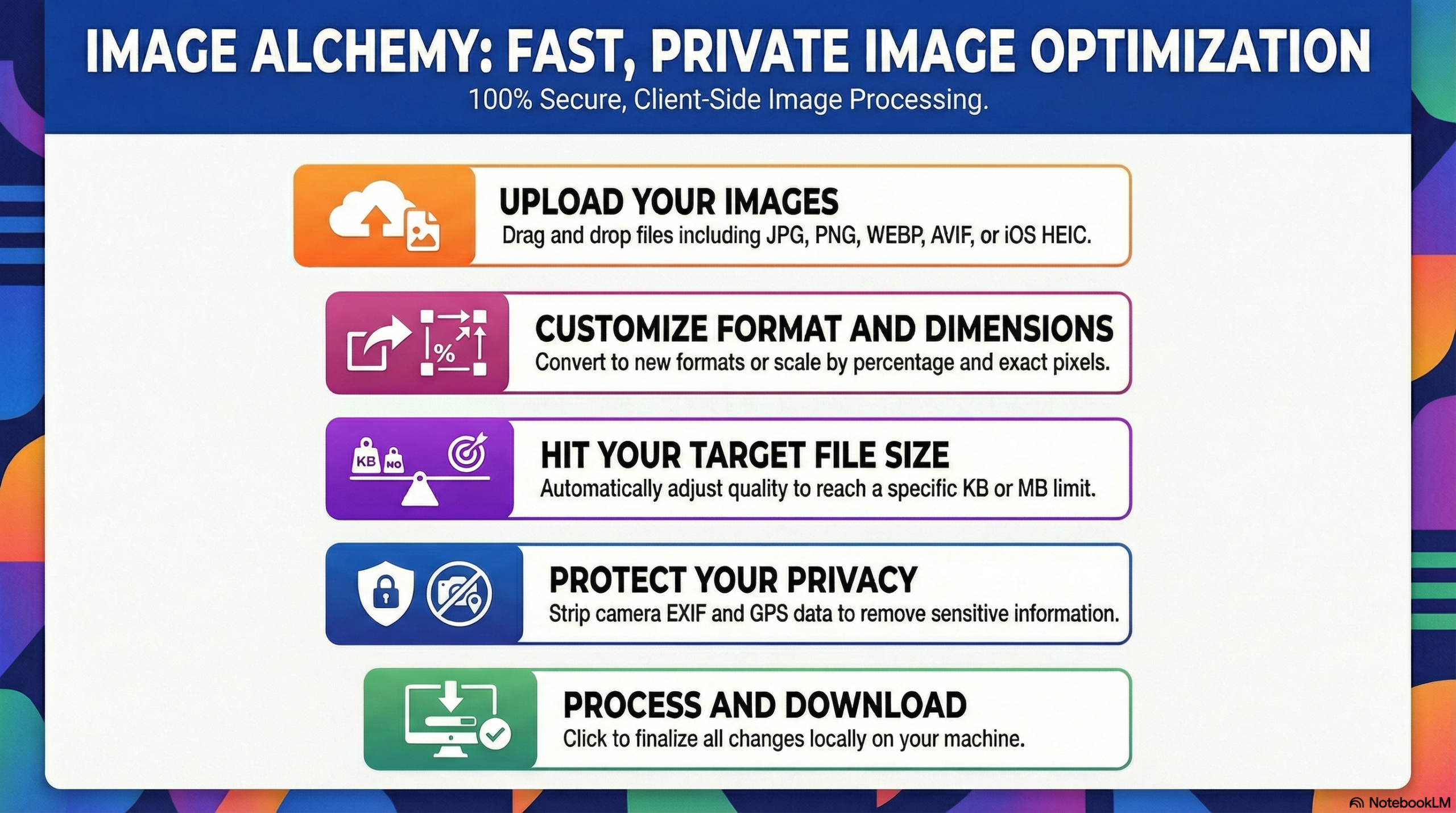
Unlock Flawless Image Optimization: Benefits of Image Alchemy
Tired of downloading expensive software just to convert a photo or struggling with massive image files that slow down your website? Image Alchemy is designed to eliminate friction from your digital media workflow.
100% Secure & Private (Client-Side Processing): Your photos never leave your device. Unlike other online image compressors that upload your sensitive pictures to their servers, Image Alchemy processes everything locally in your browser. Your data remains strictly yours.
Precision Target Compression: Ditch the guesswork. Use our smart compression tool to type in an exact target file size (e.g., 500 KB), and our algorithm will automatically balance the quality to hit your exact requirement.
Universal Format Support (Including iOS HEIC): Say goodbye to unsupported file errors! We natively support a wide array of formats, including modern web standards like AVIF and WEBP, and seamlessly convert Apple’s HEIC/HEIF iPhone photos into universal formats like JPG.
No Registration or Paywalls: Jump straight into optimizing. There are no hidden fees, no strict daily limits, and absolutely no account creation required.
⚡ Cross-Platform & Batch Processing Friendly: Whether you are on a desktop PC converting a single logo or on your tablet compressing a batch of 50 vacation photos, our interface handles it flawlessly, automatically packaging bulk jobs into a neat ZIP file.
How to Use Image Alchemy
Getting your images perfectly sized and formatted takes less than 60 seconds. Follow these simple steps:
- Upload Your Images: Drag and drop your image files into the upload zone, or click the box to browse your device’s files. You can select multiple images at once!
- Select Your Mode: Choose “Convert Format” if you simply need to change the file type (like PNG to JPG), or toggle to “Compress & Resize” to reduce the physical dimensions or file weight.
- Tweak Your Dimensions: If resizing, enter your desired Max Width and Max Height, or simply use the Scale Ratio percentage to shrink the image perfectly while maintaining its original aspect ratio.
- Adjust Advanced Settings: Use the toggles at the bottom to “Preserve Transparency” for logos, or securely “Strip Metadata / EXIF” to remove hidden camera info and GPS location data for total privacy.
- Process & Download: Once your settings look perfect, hit the Process & Download button. Image Alchemy will encode your files seamlessly and download them directly to your device (or generate a ZIP file for multiple images).
Frequently Asked Questions
Is Image Alchemy really free?
Yes! Our tool is completely free to use. There are no hidden subscriptions, and we will never slap a forced watermark onto your exported images.
Are my sensitive photos safe?
Absolutely. Image Alchemy utilizes advanced in-browser processing. This means your images are processed directly on your device’s memory and are never uploaded to our servers. Your personal photos remain 100% private.
Can I compress an image to a specific KB size?
Yes. We have specifically engineered a “Target File Size” feature. Just toggle it on, enter your desired size (e.g., 200 KB), and the tool will automatically calculate the best compression rate to meet your needs.
How do I convert my iPhone photos (HEIC) so I can use them?
Simply drag and drop your .heic or .heif files into the upload zone. Image Alchemy automatically reads Apple’s format and allows you to instantly export them as standard JPGs or PNGs.
Can I use this on my mobile phone?
Yes, the application is fully responsive. The interface adapts perfectly to touch screens, allowing you to optimize and convert images smoothly on any smartphone or tablet.